




New Version Of Product Available Here
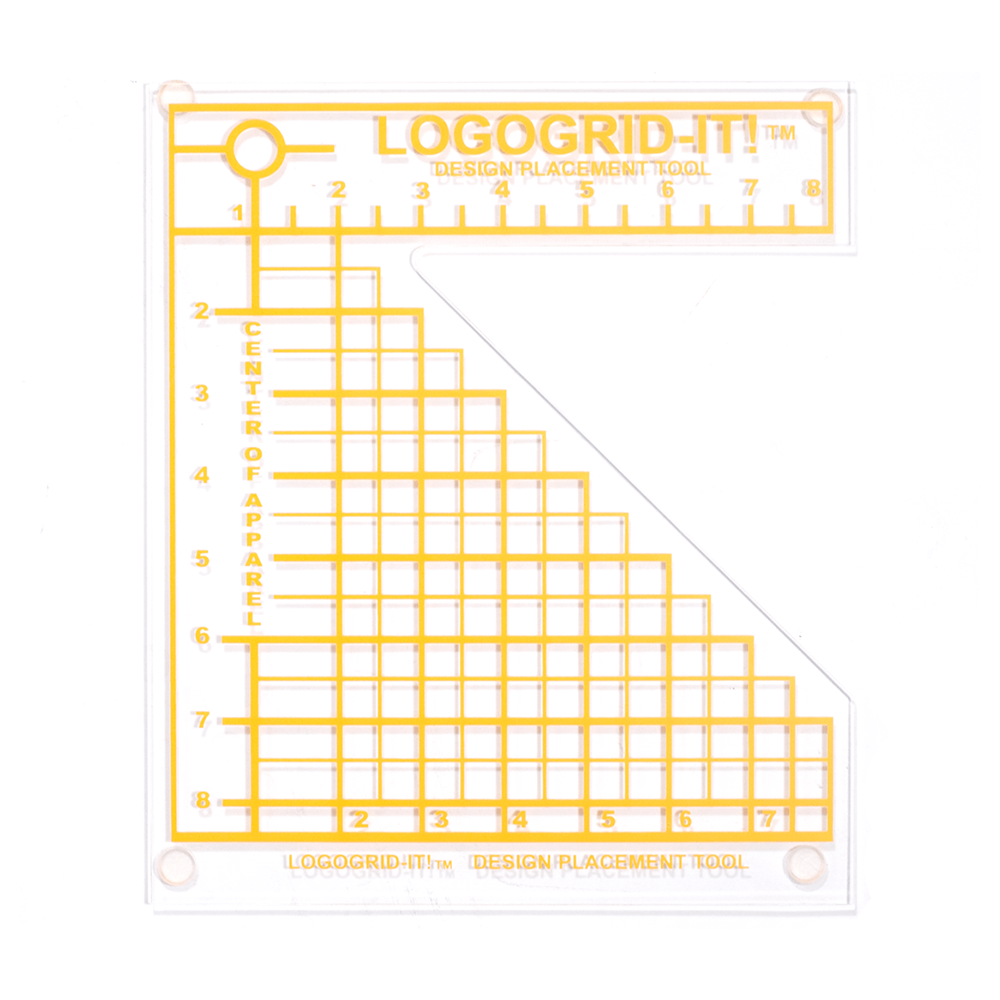
The LOGO GRID IT! Transfer Alignment Tool (formerly known as Logo IT!) allows for perfect placement of your chest graphic each and every time. This item is often used with the TEE SQUARE IT! to perfectly place all images on your shirt.
How It Works:
- Line up the center of the collar using the pre-marked center circle.
- Line up your image under the framing grids - LOGO GRID IT! is raised to allow easy placement underneath.
- Remove LOGO GRID IT! and press your item.
The HPN MyExpert Support guarantee is our commitment to Life Time Technical Support. No matter where you are in your products life cycle, we will be here to provide support to your product and make sure you are fully covered.
Often imitated, never duplicated; our dedicated team of technicians are capable of providing support to your product at any point of its life. Whether it be during the setup process or even years down the line where troubleshooting may be required, they'll have your back and provide a solution.
Our MyExpert Support will always be there for you so you can purchase with confidence!
You may also like
